Part of All Access, Wouter's free tools.
Setlist - Photoshop plugin
One canvas. Clean panels.
Slice a wide Photoshop document into evenly sized panels in one operation. No guides, no manual cropping, no repetitive File › Export As.
One wide image becomes a setlist of slides. Built for Instagram carousels, web banners, panoramic layouts and anything else where Photoshop's built-in export workflow starts to feel like a workaround. Formerly called Export Every X.
Photoshop 23.3 or later on macOS and Windows · Installs through Creative Cloud · Version 1.1.0
01
Install
Download the .ccx file and double-click it. Creative Cloud installs it into Photoshop; restart Photoshop and it's ready.
02
Set X
Choose the pixel interval: 1080px for Instagram carousels, 1920px for web banners, whatever your layout needs.
03
Export
Choose a folder and run. Every panel is saved as its own JPEG at full document height: crop_01.jpg, crop_02.jpg and so on.
Install from Terminal
On macOS, paste this into Terminal and press Return.
curl -fsSL https://github.com/woutervellekooppixel/setlist/releases/latest/download/Setlist.ccx -o /tmp/Setlist.ccx && open /tmp/Setlist.ccxCreative Cloud opens and installs the plugin in Photoshop.
Free demo PSD
A ready-made PSD set up to work with Setlist. Drop your photos in and run the export. No setup needed.
What you get
One plugin. One operation. Consistent exports.
Any pixel interval
Set X to whatever your layout needs: 1080px for carousels, 1920px for banners, or anything in between. One setting, consistent output.
Perfect alignment
Every panel starts exactly where the previous one ended. No overlap, no gap, no manual adjustment after the fact.
Full resolution output
Panels are exported at the document's own pixel resolution and full height, as JPEG at maximum quality. No downscaling.
Predictable panels
The number of panels is the document width divided by X, rounded down: a 3240px canvas at 1080px gives three. Leftover pixels on the right are skipped, and the panel tells you how many.
Replaces the guide workflow
No guides. No manual slicing. No repetitive File › Export As per section. One operation handles the whole document.
Works on very wide canvases
Export As and Save for Web can behave unexpectedly on extremely wide files. Setlist handles them reliably.
Your document stays as it is
Each panel is cut from a temporary duplicate, so the open document is not changed. Want only the first few panels? Lower the number of crops.
Free and open source
MIT license. No price, no license key, no expiry. It runs locally and sends nothing over the network.
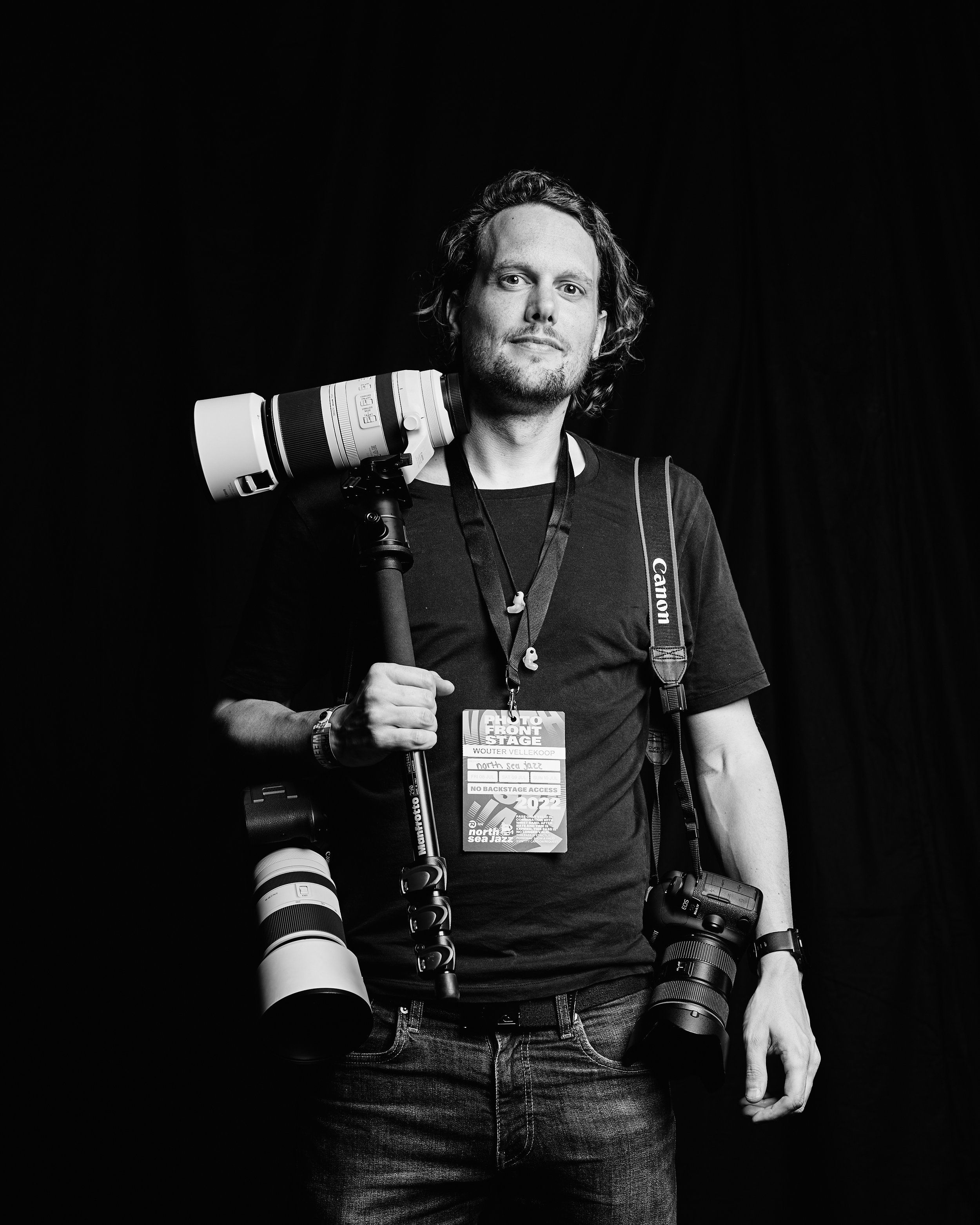
Why I built this
Built because guides and slices were never the answer.
I am Wouter Vellekoop, a photographer who also does a lot of design work: Instagram carousels, event visuals, banners. At some point you end up with a canvas that is 3000 pixels wide and needs to be split into clean 1080px panels.
The standard Photoshop workflow for that is guides, manual slices, Export As, and it works until it doesn't. On very wide files it gets unreliable. On files you revisit and update, it gets tedious fast. I built Setlist to replace that whole process with one setting and one click.
It doesn't do anything fancy. It just does the thing reliably, every time, without having to think about it. And now it's free.
Stop slicing by hand.
Set X once. Export all panels. Works on carousels, banners, panoramas: anything where you need a wide canvas split into consistent pieces.
A full example: how to split a wide concert photo into an Instagram carousel. Questions? hello@wouter.photo